Shipmates
A logistics aggregator that lets small businesses in the Philippines book shipments across every major courier in one flow, on desktop and mobile.
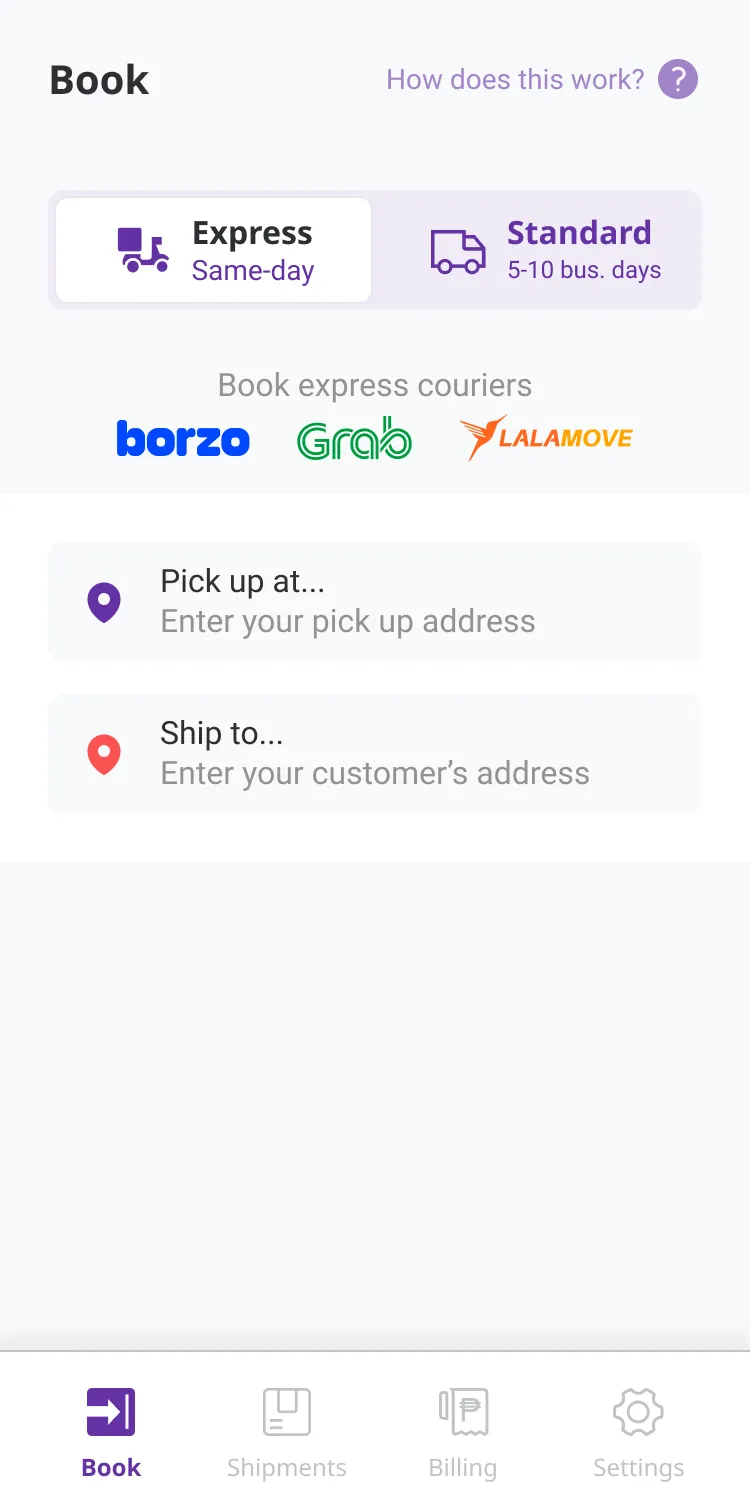
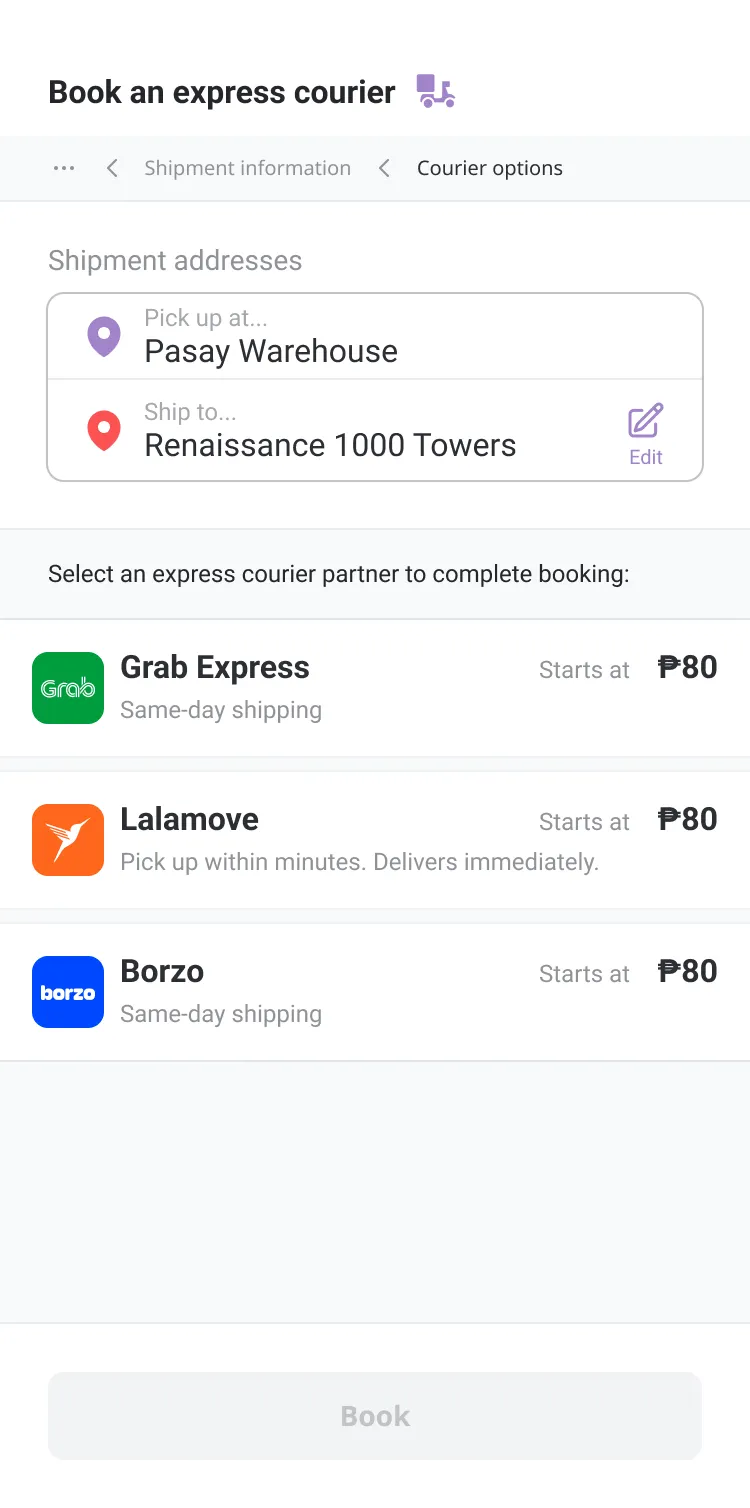
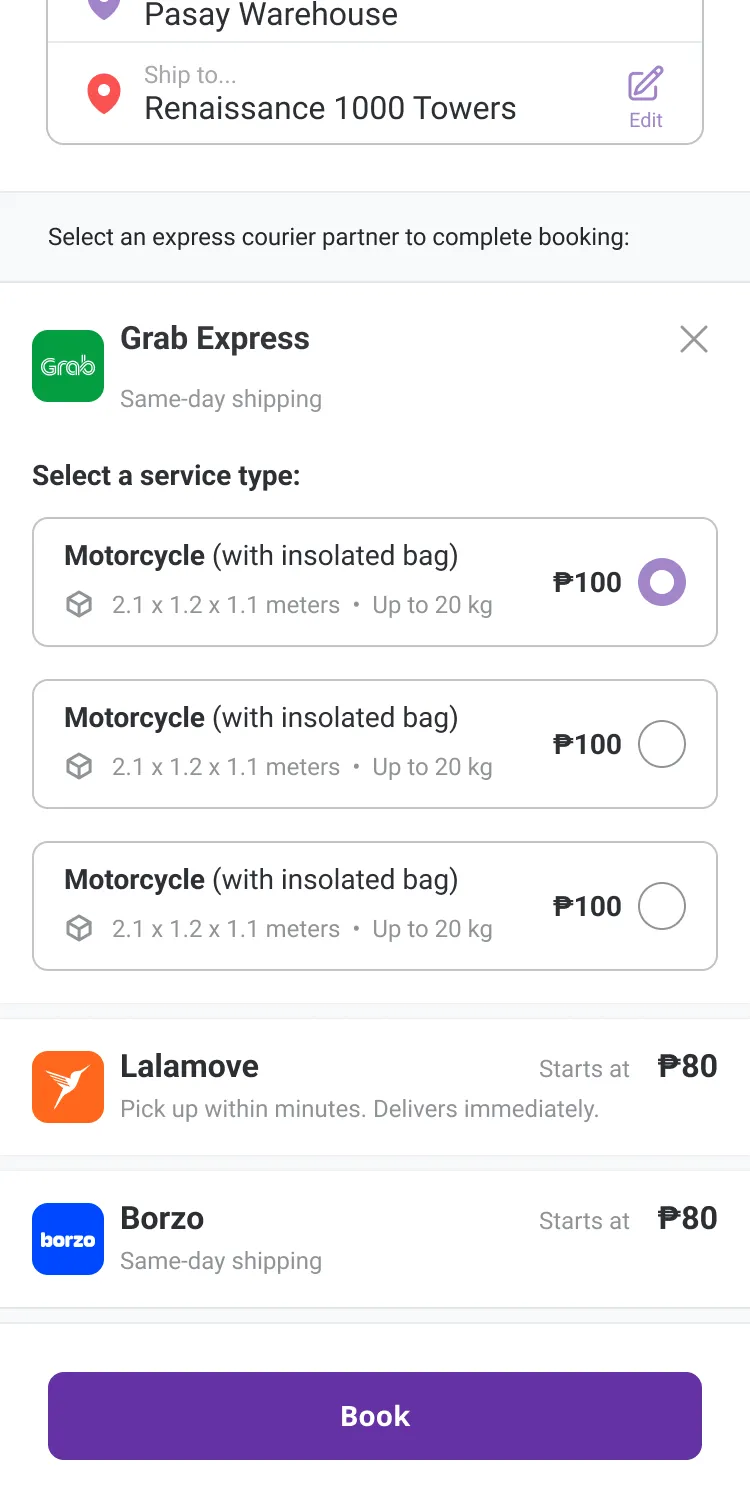
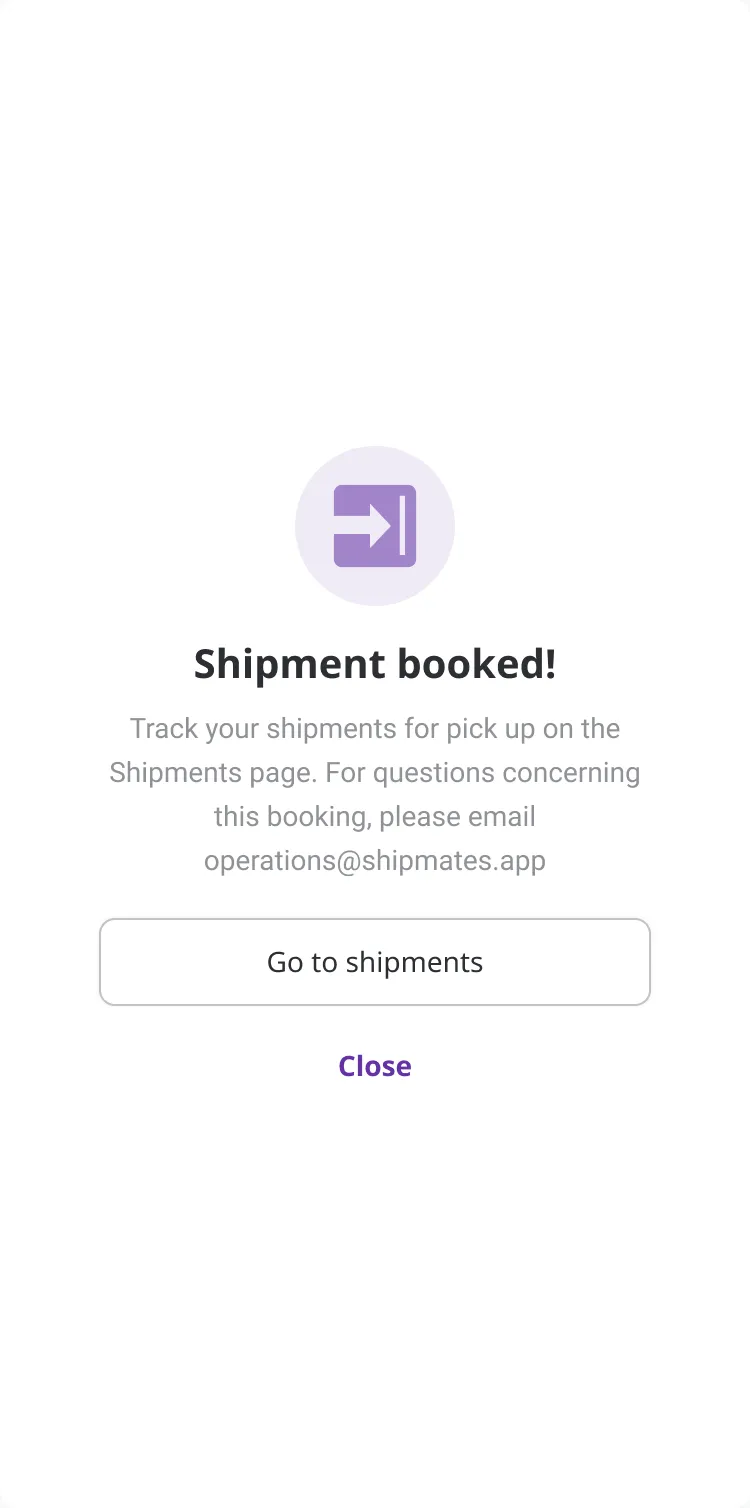
Shipmates is a logistics aggregator helping small and medium businesses book shipments across multiple couriers (Borzo, GrabExpress, J&T Express, and Lalamove) in one flow, instead of managing separate relationships with each carrier.
One flow, every courier, no phone calls.
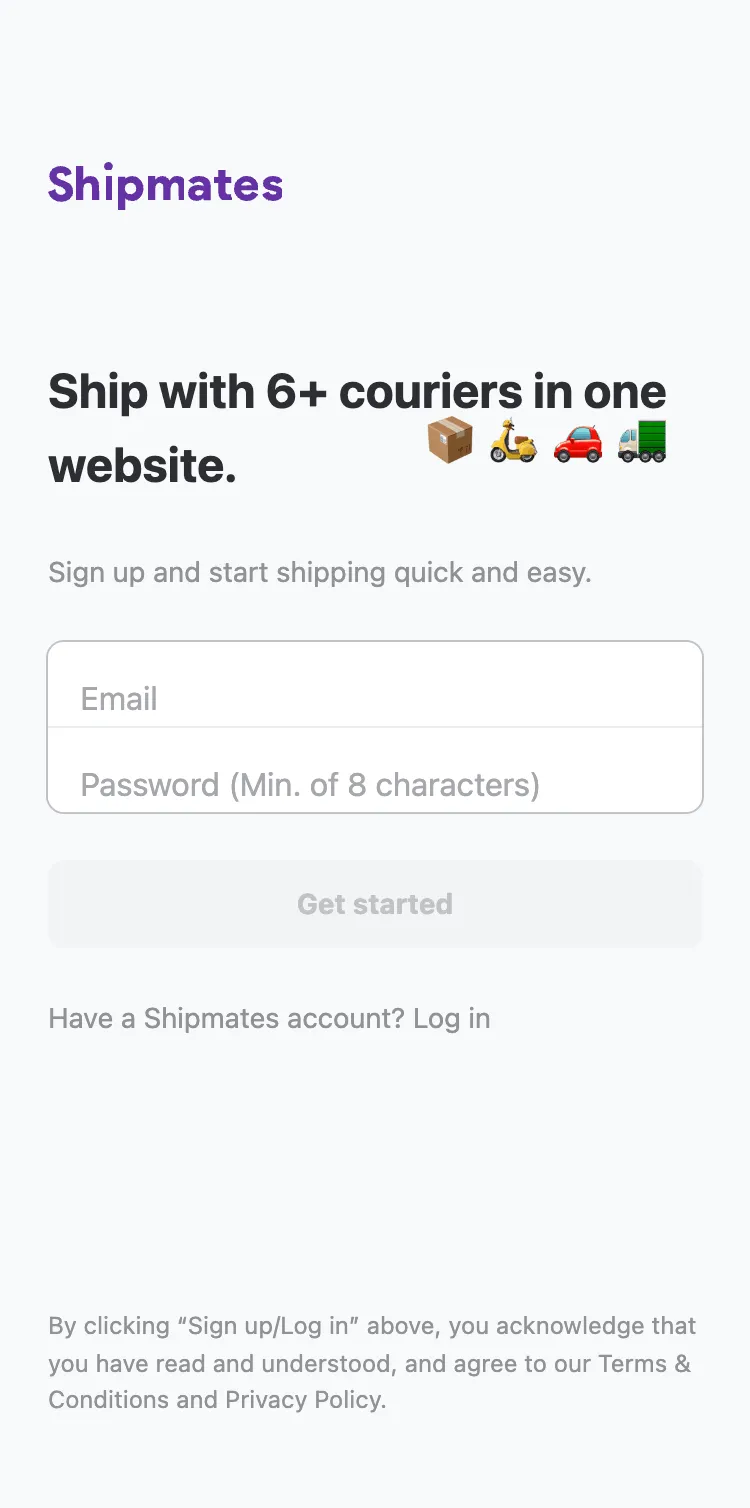
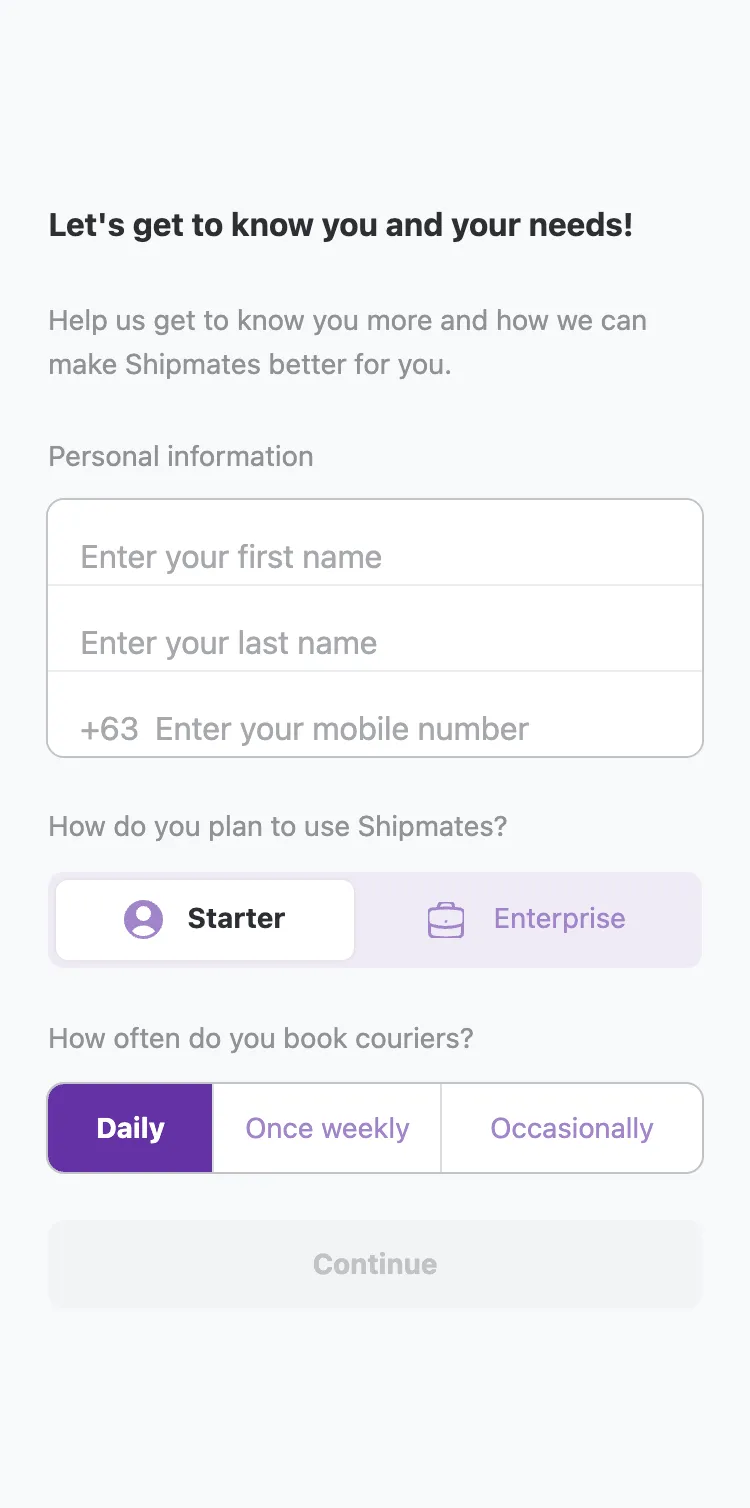
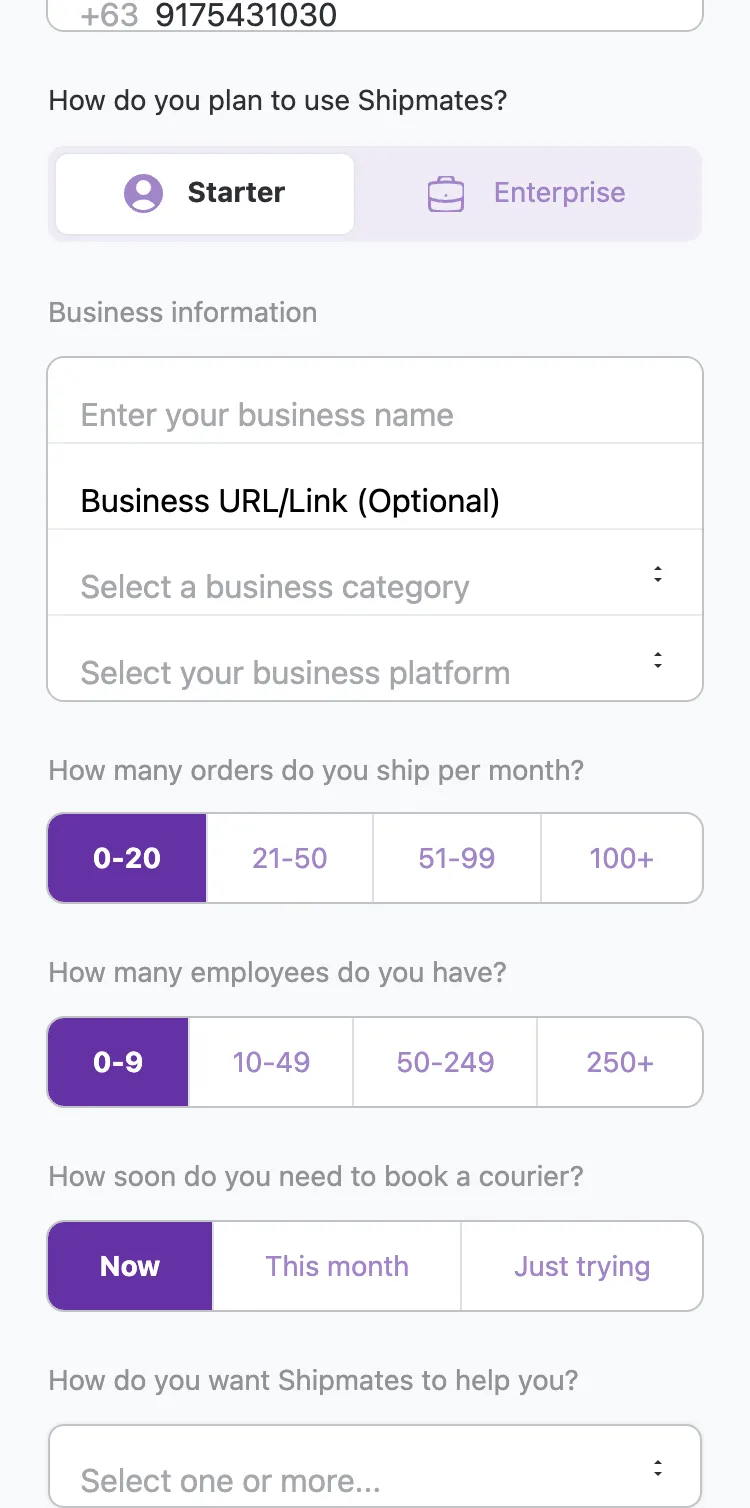
The core booking path was designed collaboratively. My co-designer and I split the screens across the product. Here's the mobile walkthrough, from sign-up to the fee breakdown just before a shipment goes out.
Onboarding adapted to business size. Starter accounts completed a quick sign-up, while Enterprise accounts answered deeper questions about order volume, team size, and how they planned to use Shipmates, helping tailor the experience from day one.
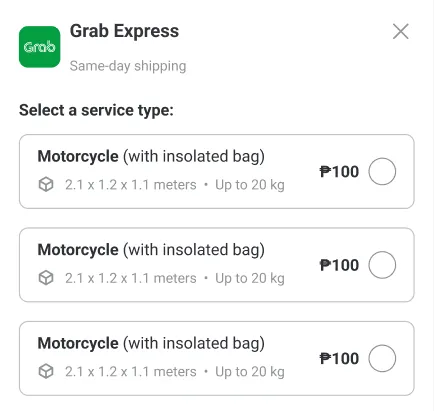
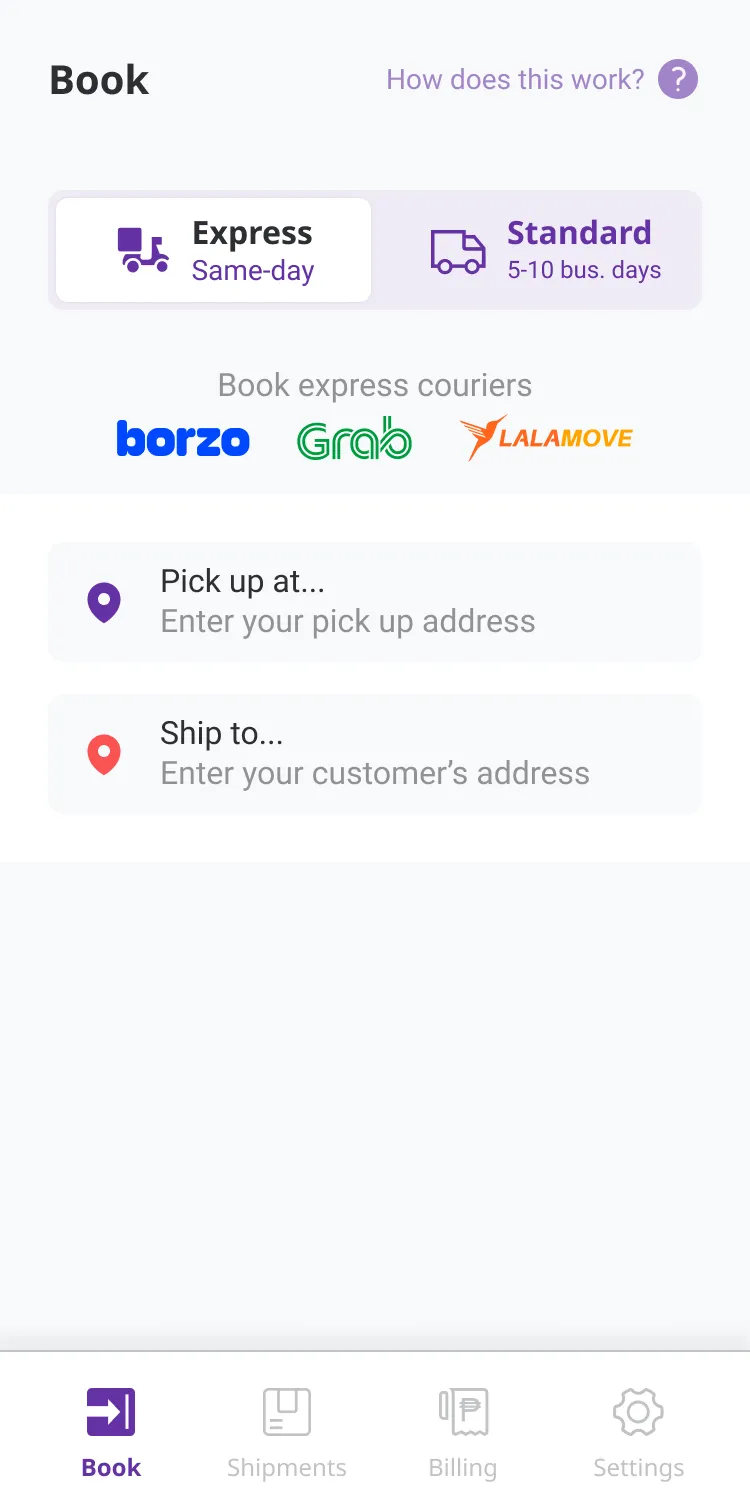
The Book screen is the hub: pick Express or Standard, see the courier partners up front, and pull in Multiple Orders or Shopify Orders when a business is shipping at volume. From there you choose a courier and the service type, such as motorcycle or sedan, and the rate comes with it.
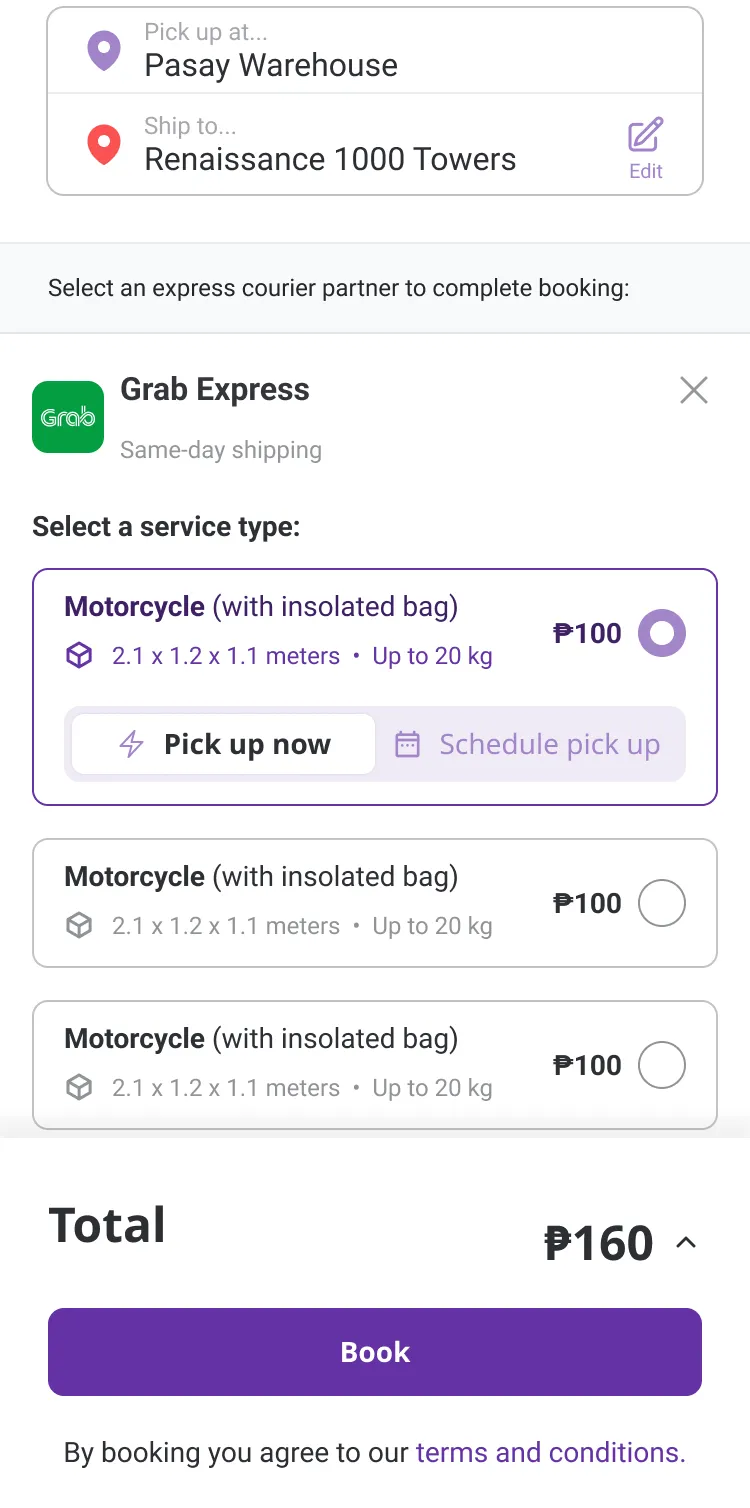
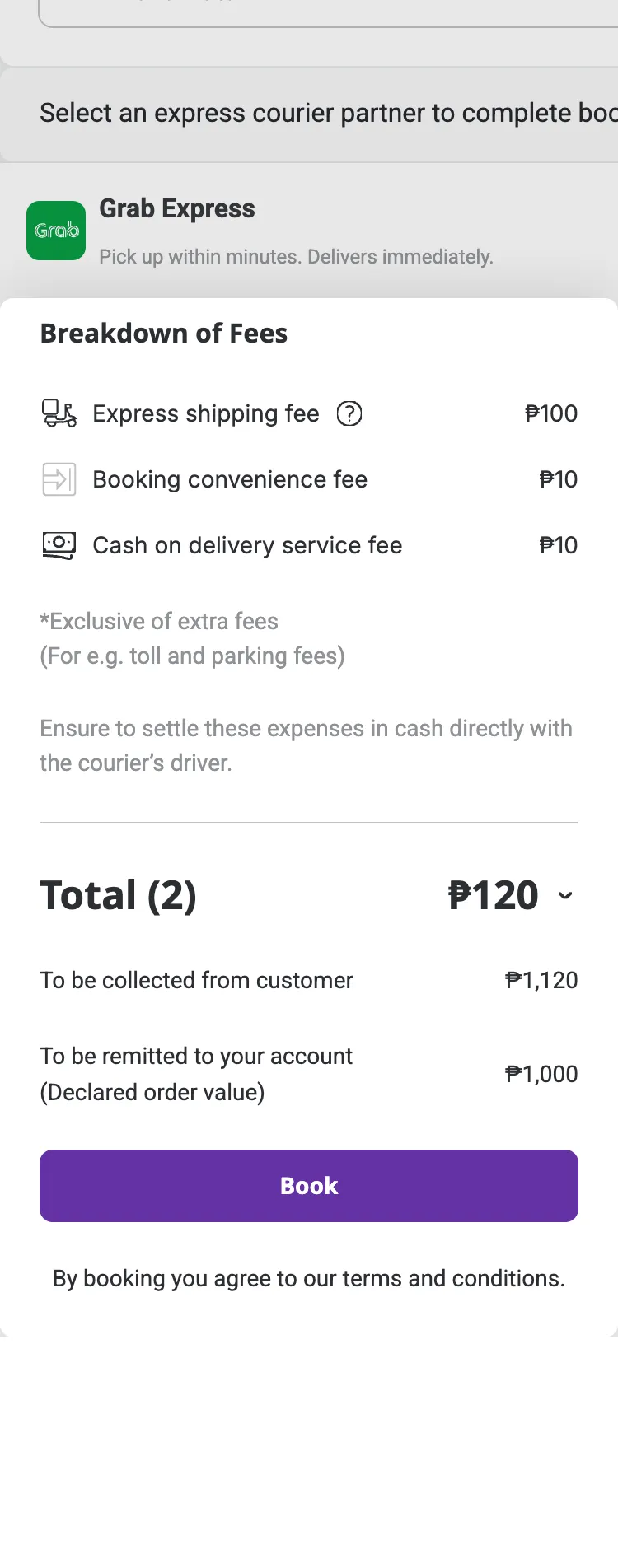
Before a booking is confirmed, the full breakdown of fees is laid out, so an owner knows exactly what they're paying across the carrier and the service, with no surprises after the fact.
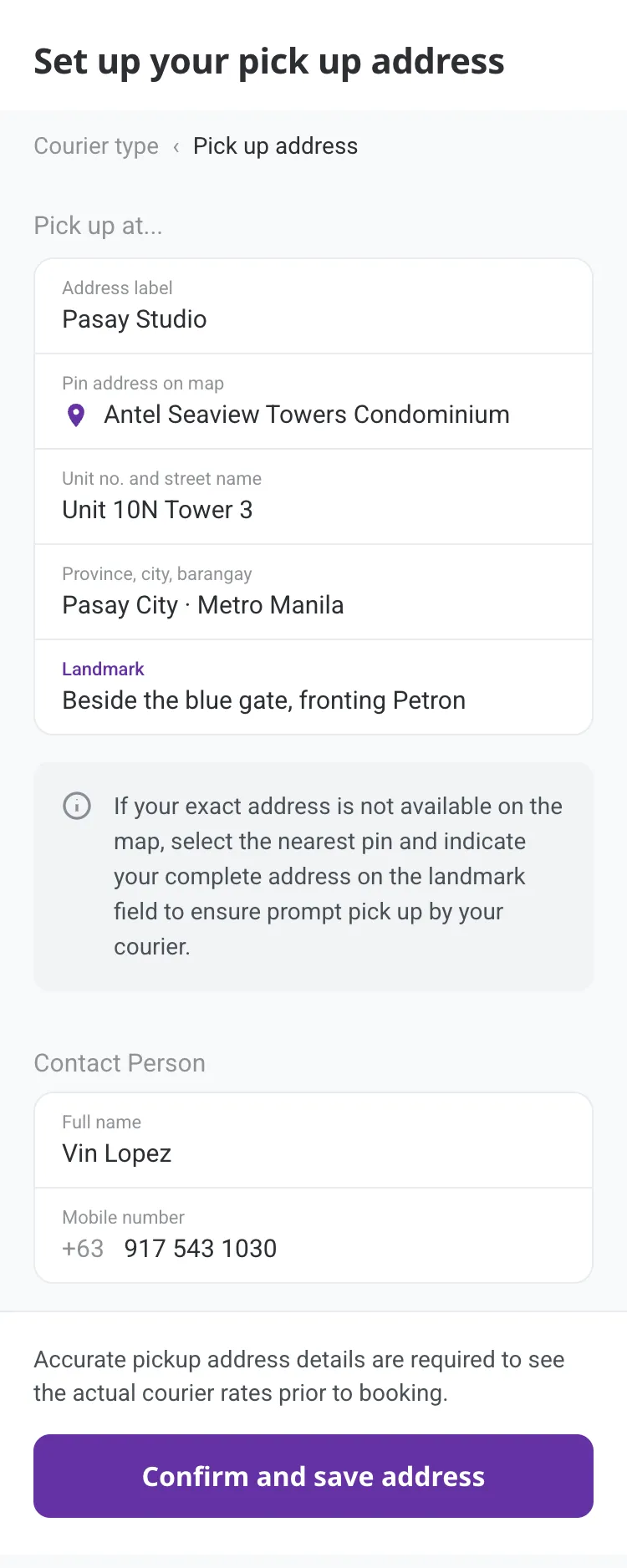
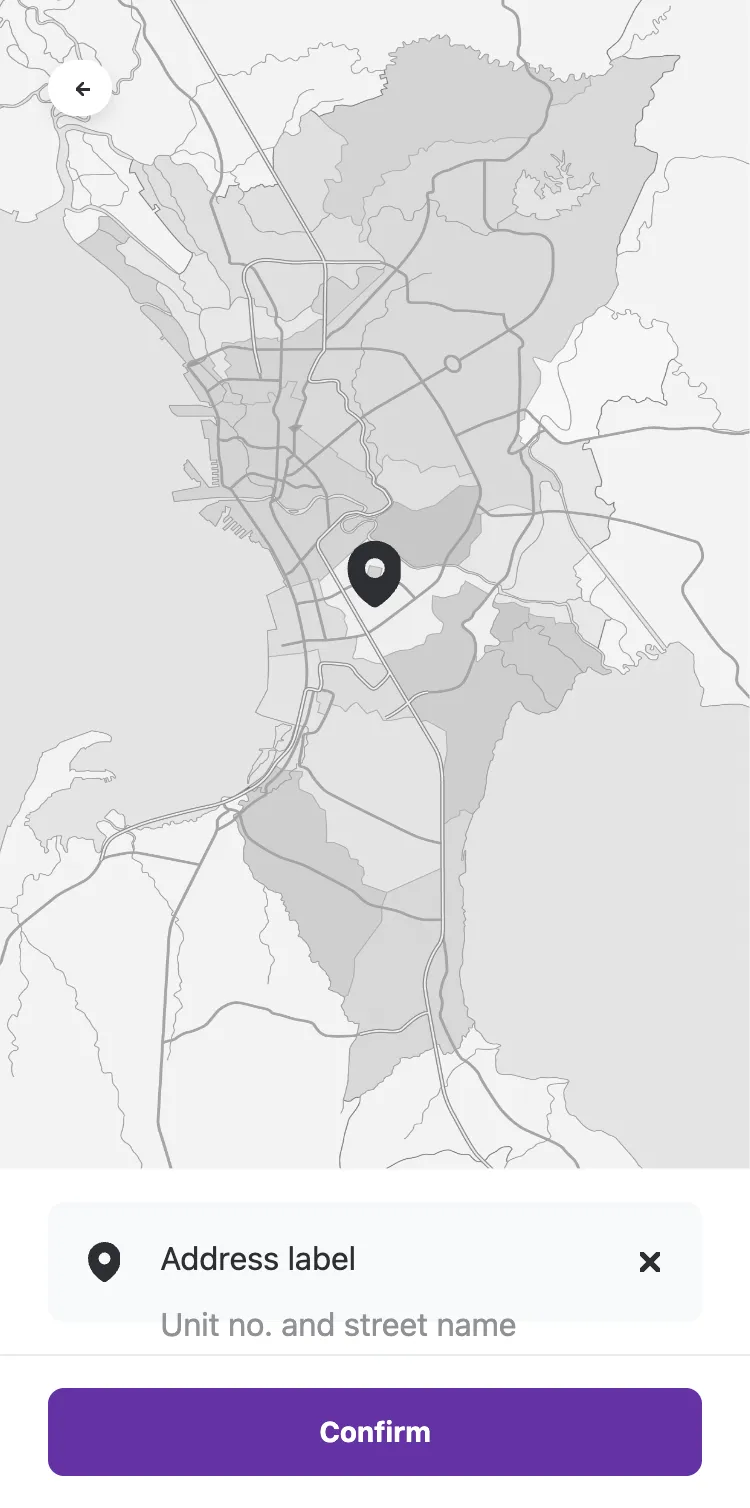
When the address doesn't exist on the map
One flow I owned was the address input experience. During testing, we found a recurring blocker: many business addresses, especially in provincial or barangay-level areas, simply didn't exist on Google Maps.
I designed a fallback: if the exact address isn't available, users can drop a pin at the nearest known point and add a landmark to help the courier find the exact location, matching how people actually give directions in the Philippines.
Designing for what you can't control
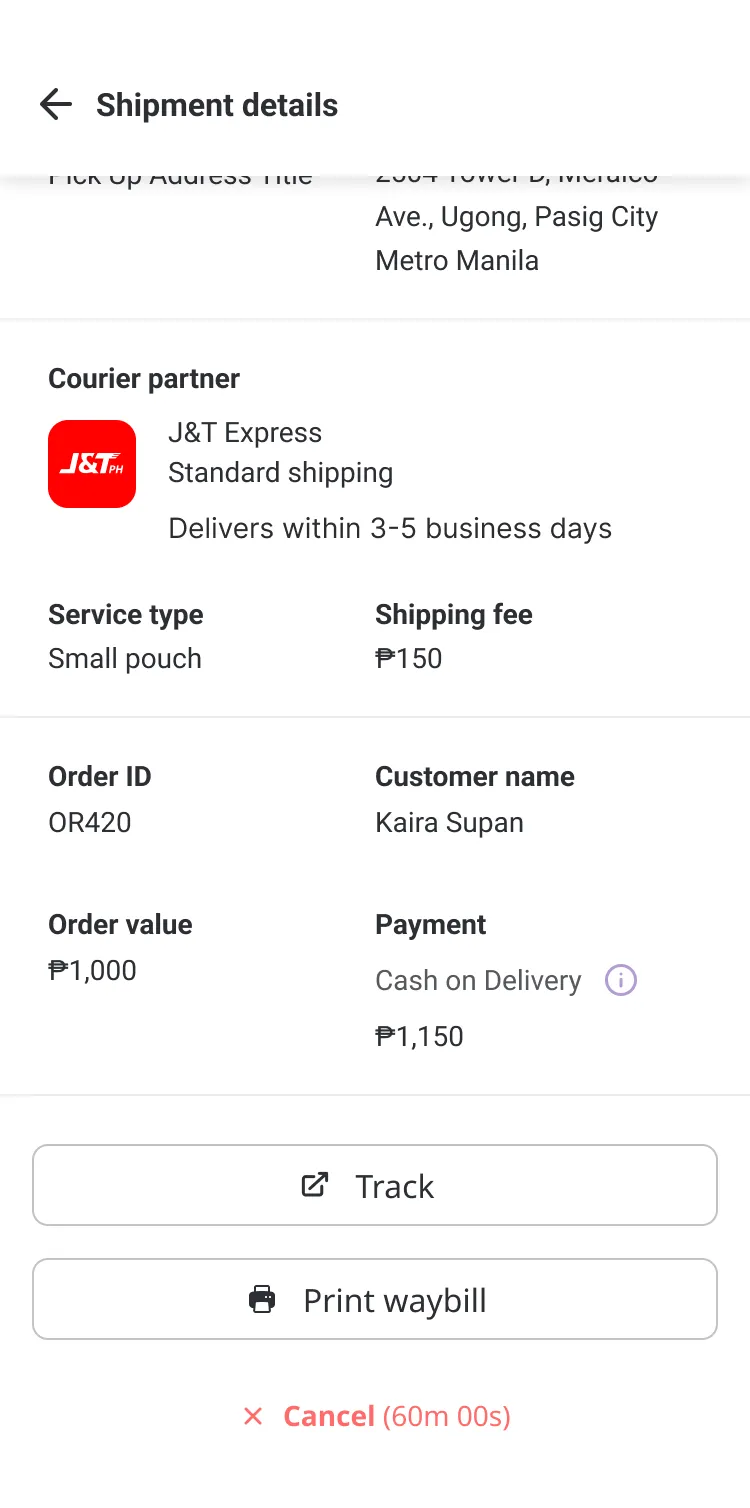
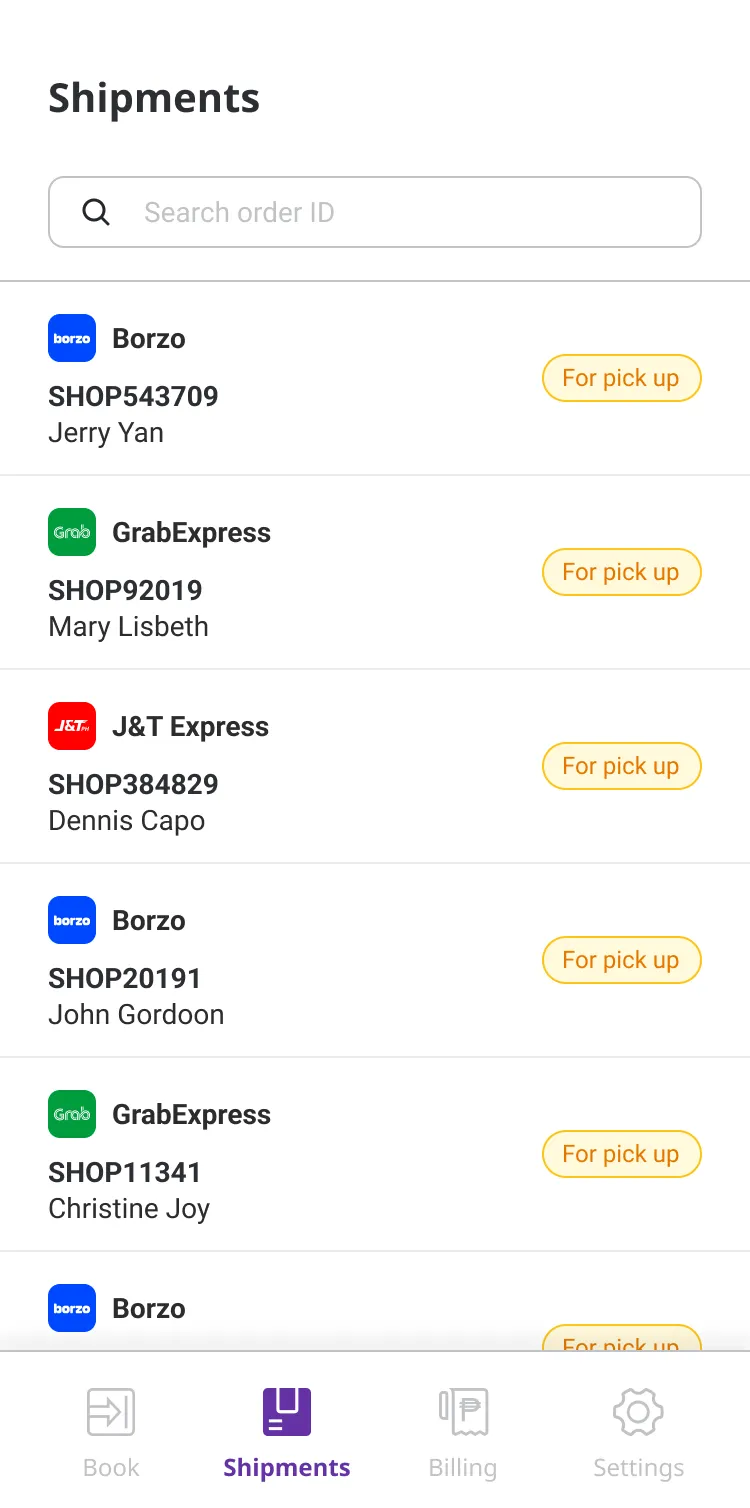
Another flow I owned was post-booking tracking. As an aggregator, Shipmates doesn't control the couriers directly, so shipments can get delayed or pickups missed.
I designed a detailed tracking view so business owners always know their shipment status, and have a direct path to track, get a waybill, or cancel, without needing to call support.
This was a design study, so the goals are framed around intent rather than shipped metrics. These are the outcomes each decision was made to move.